10 ways to make holiday travel easier with the Delta app and Delta Concierge
Whether you fly every week or once a year, getting there for Thanksgiving matters. Delta teams are ready to welcome you, and the Delta app can help make every step of your journey easier.



If you're flying Delta this holiday season, the Delta app can help make every step of your journey easier. For SkyMiles Members, signing in also helps create a more connected and personalized experience throughout the journey. Not a SkyMiles Member yet? It’s free to join.
From preparing for your trip and checking bags to getting real-time flight updates and support from Delta Concierge (Delta’s digital assistant) when plans change, helpful tools and personalized support are right at your fingertips.
1. Save time before and after arriving at the airport
- Scan and save your documents. Saving your passport in the Fly Delta app can speed up document verification and make future international trips easier. It does not replace your physical passport, which you must still carry when traveling internationally. You can also scan other travel documents, like U.S. and Canada resident cards, and review country-specific travel requirements.
- Add your Known Traveler Number (KTN). Add or edit it directly in the app for expedited security screening with TSA PreCheck.
Don’t see TSA Pre-Check on your boarding pass? Ask Delta Concierge to check and add your KTN for you.
- Use App Bag Drop. Once you have checked in and added your bags in the app, use the dedicated App Bag Drop kiosk to print your bag tag and skip the main queue at Delta hubs.
- Try TSA Precheck’s Touchless ID. Eligible customers can use dedicated bag drop and security lines without presenting a traditional photo ID. Save your passport to your SkyMiles profile and opt into Touchless ID to enroll.
- Redeem miles toward checked bags: Use miles to cover fees for standard checked bags on flights originating from select U.S. airports. Select “Pay with Miles” during check-in on delta.com and the Fly Delta app or at an airport kiosk.
- Find your way. Use interactive airport maps from your app boarding pass to locate gates, lounges and amenities.
- Update the Delta app before you leave for the airport. Delta's newest features and updates appear only on the latest app version. Pro-Tip: To ensure you have the latest version, tap the Delta app from the app store to check.
2. Enable Live Activities (iPhone) or Live Updates (Android) for real-time alerts
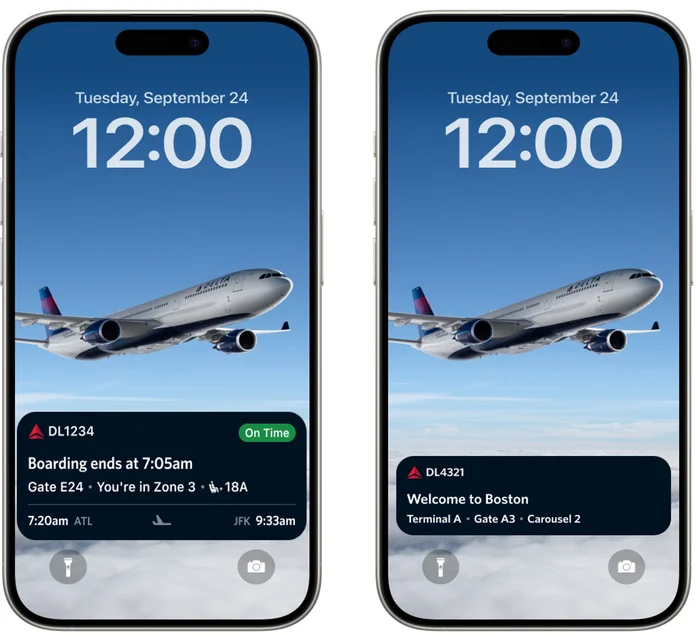
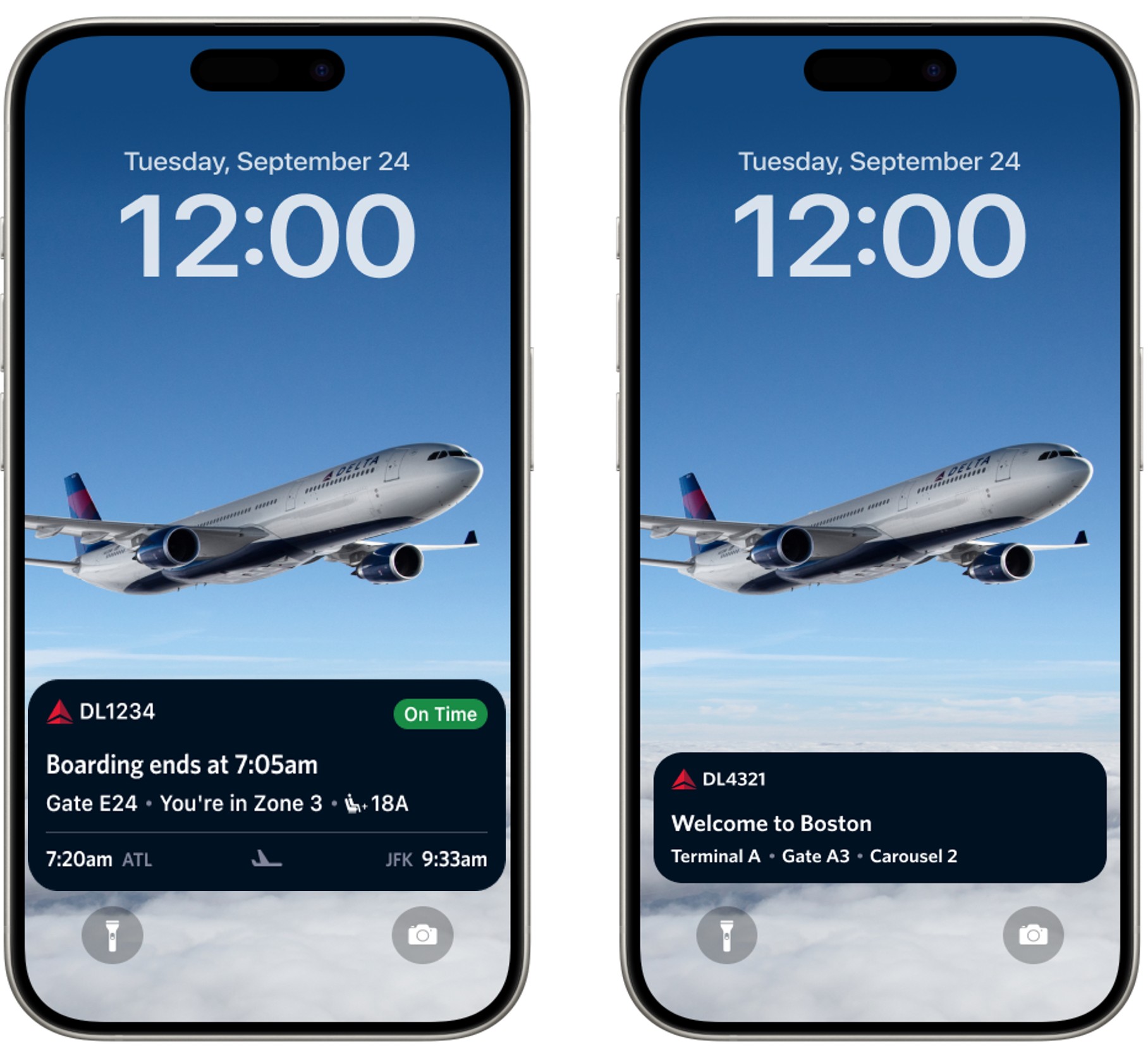
On iPhone, Live Activities puts a timeline of your trip on your lock screen so there’s no hunting for your flight details. Dynamic Island provides real-time updates for your flight including boarding start time and zones, beginning three hours before departure. On select Android devices, Live Updates delivers real-time alerts on your lock and home screens. Make sure this feature is activated to see gate assignments and boarding time changes, plus your boarding zone, seat number, and after landing, your bag carousel.
3. Track your bags real-time
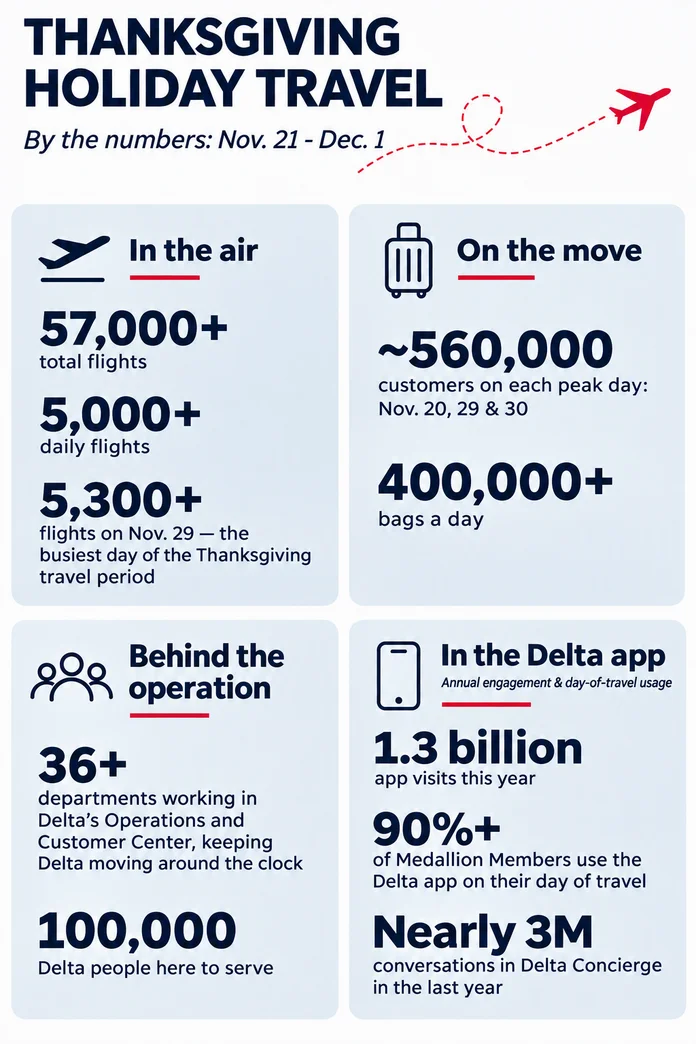
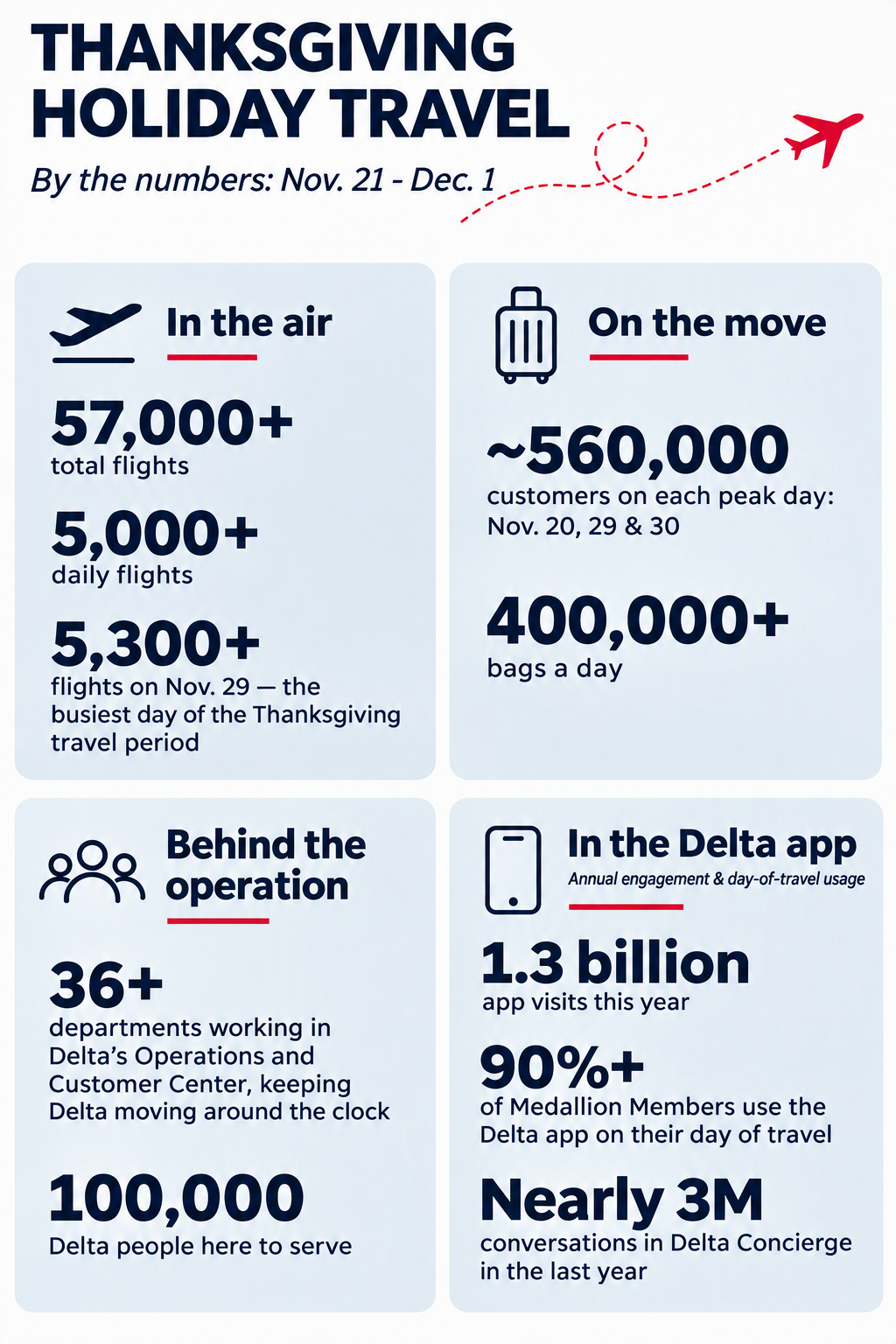
Whether in the app or asking Delta Concierge, your checked bags are never far. The app gives you a bag tracking map and real-time notifications while Delta Concierge will pull and summarize bag status across your trip. Delta carries more than 400,000 bags a day during the Thanksgiving peak, and more than 99% arrive on time.
4. See your SkyMiles account details in seconds
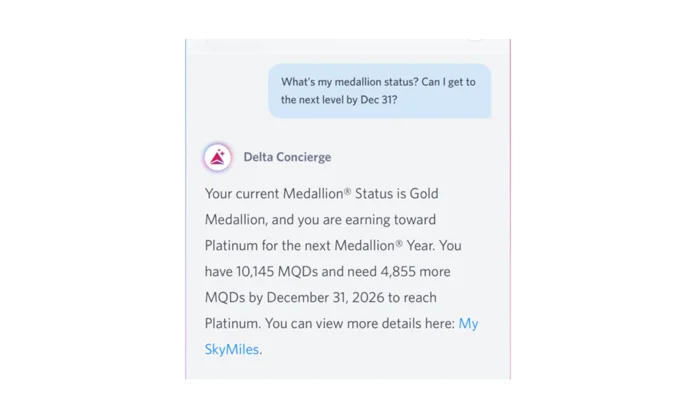
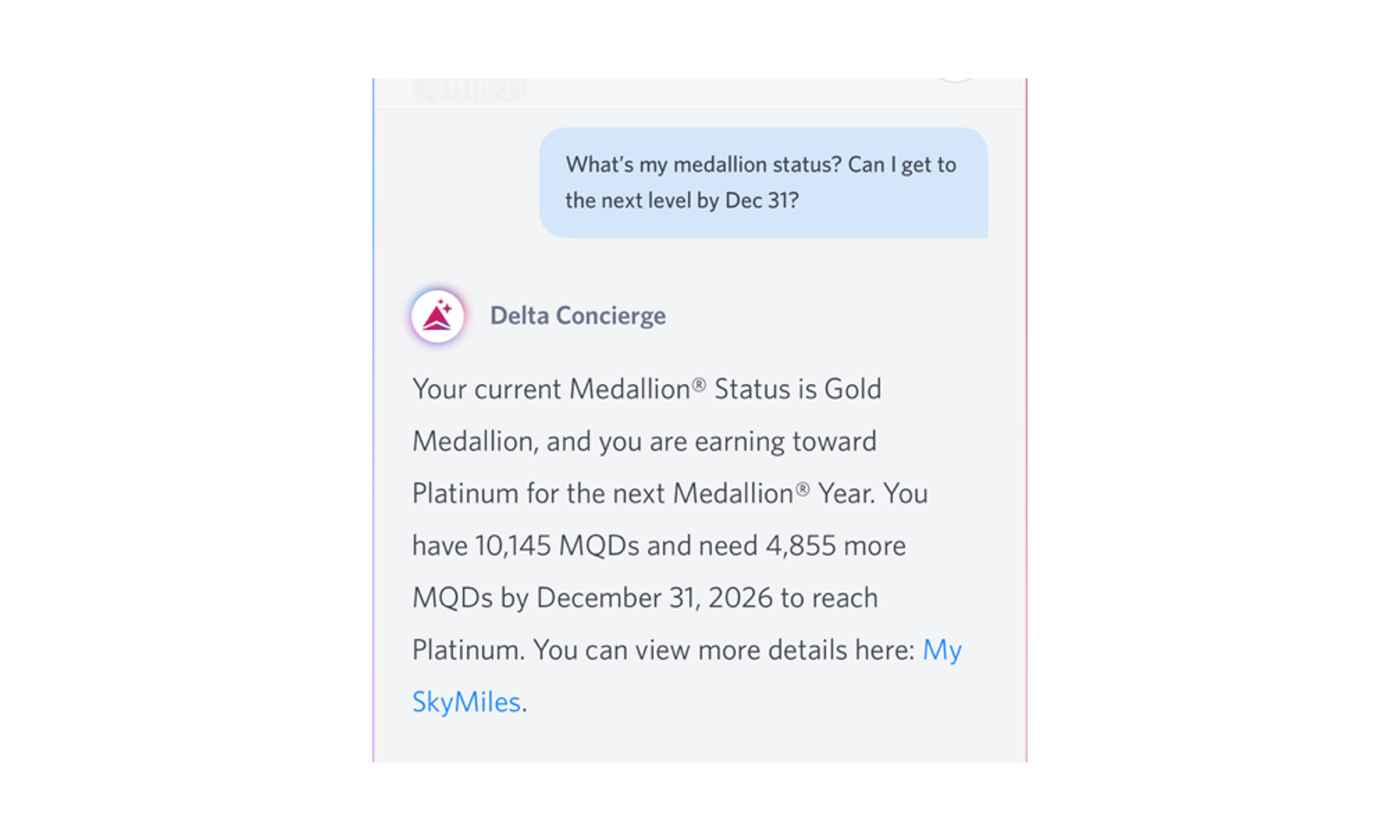
In the app, SkyMiles Members can go to Profile andcheck your mileage balance, the Medallion Qualification Dollars (MQDs) you have earned toward Medallion Status, and your eCredits.
Try this Concierge prompt: “What's my medallion status? Can I get to the next level by Dec. 31?"
5. List yourself for standby if you are delayed or your flight is cancelled
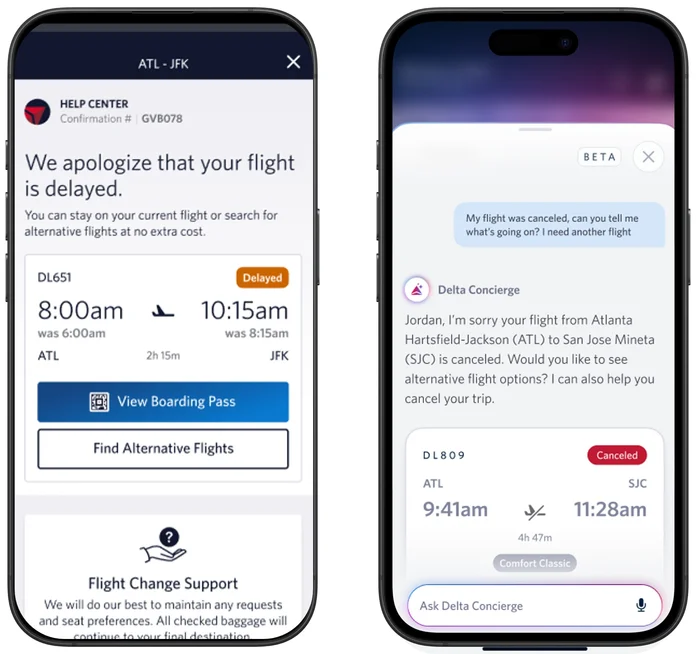
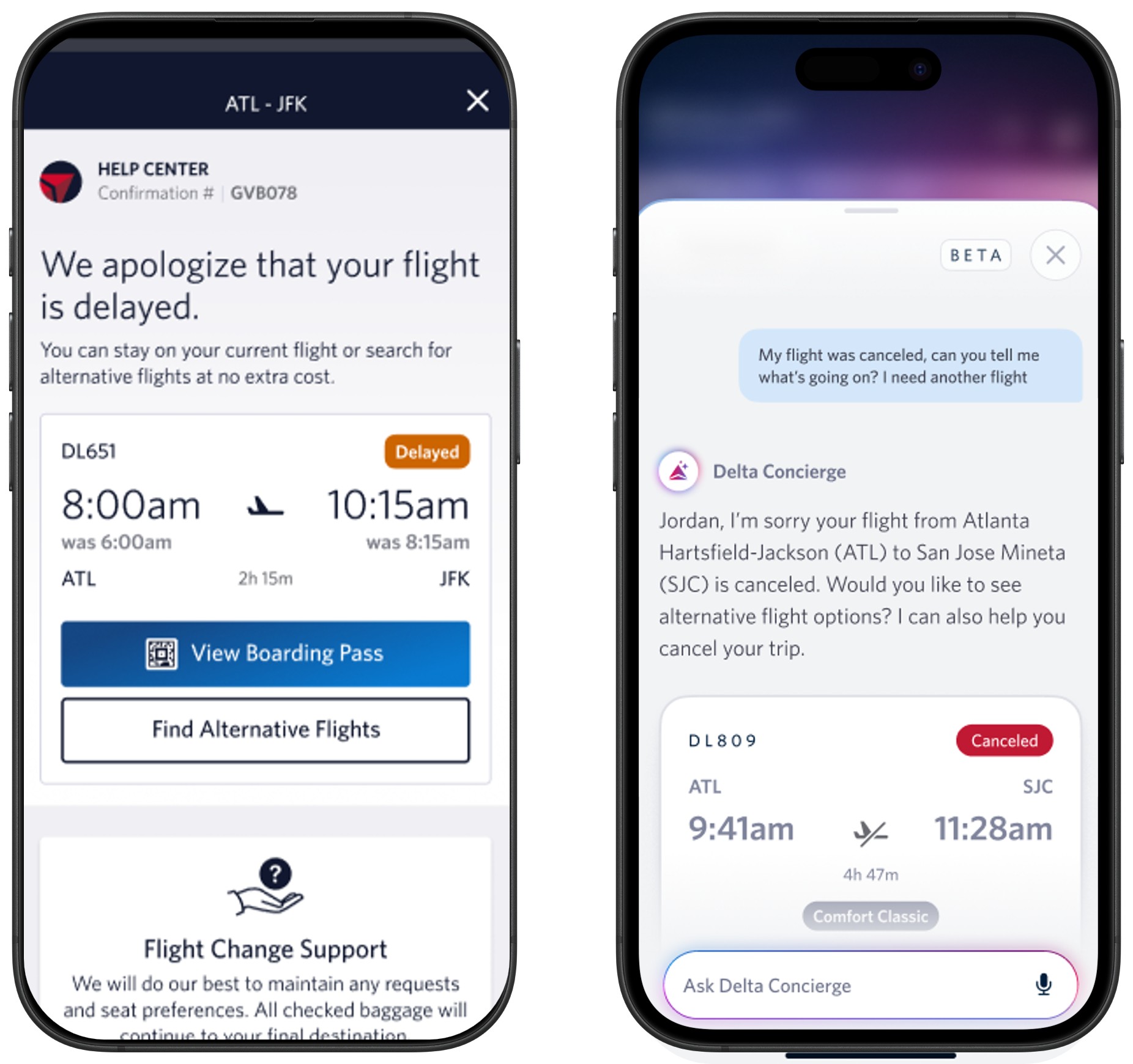
If a delay or cancellation affects you, Delta will rebook you whenever possible while also providing you with other options, including listing yourself standby on an earlier flight in the app, even if Delta has already rebooked you. View available flights, join the list and track your status in real time. Standby listing is available for nonstop, domestic flights only.
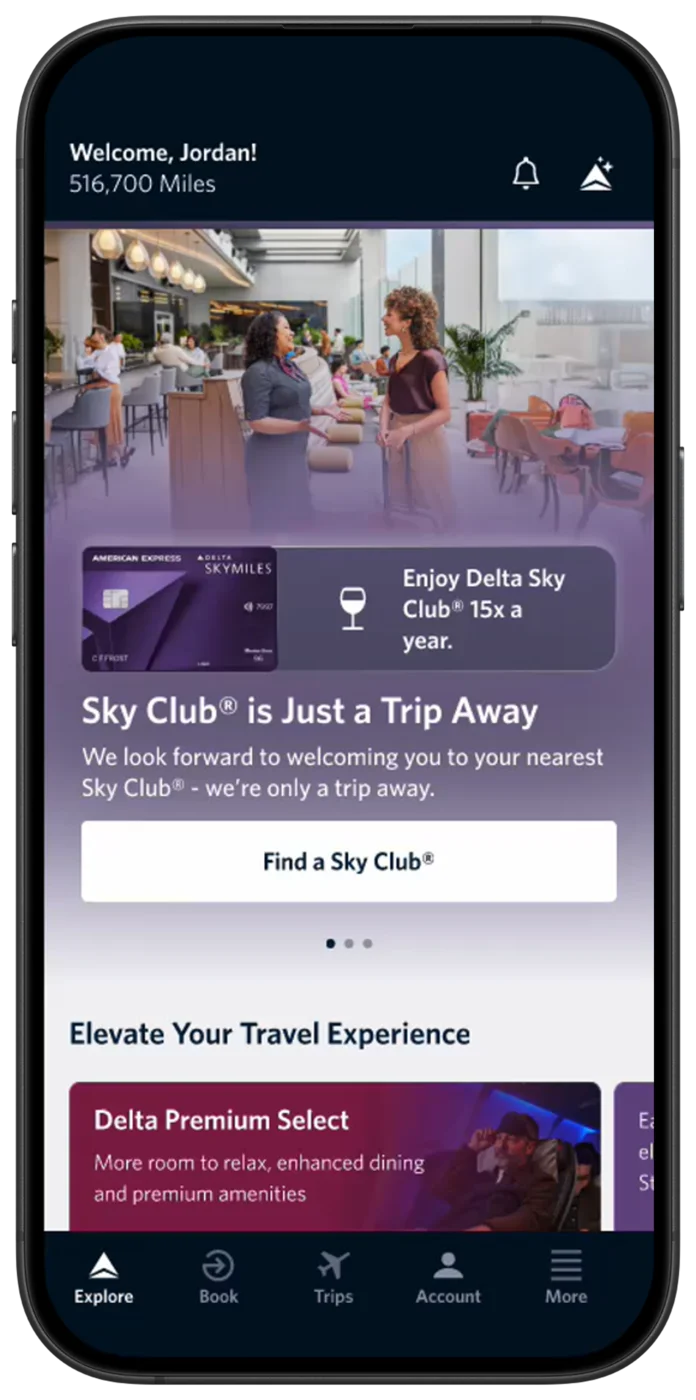
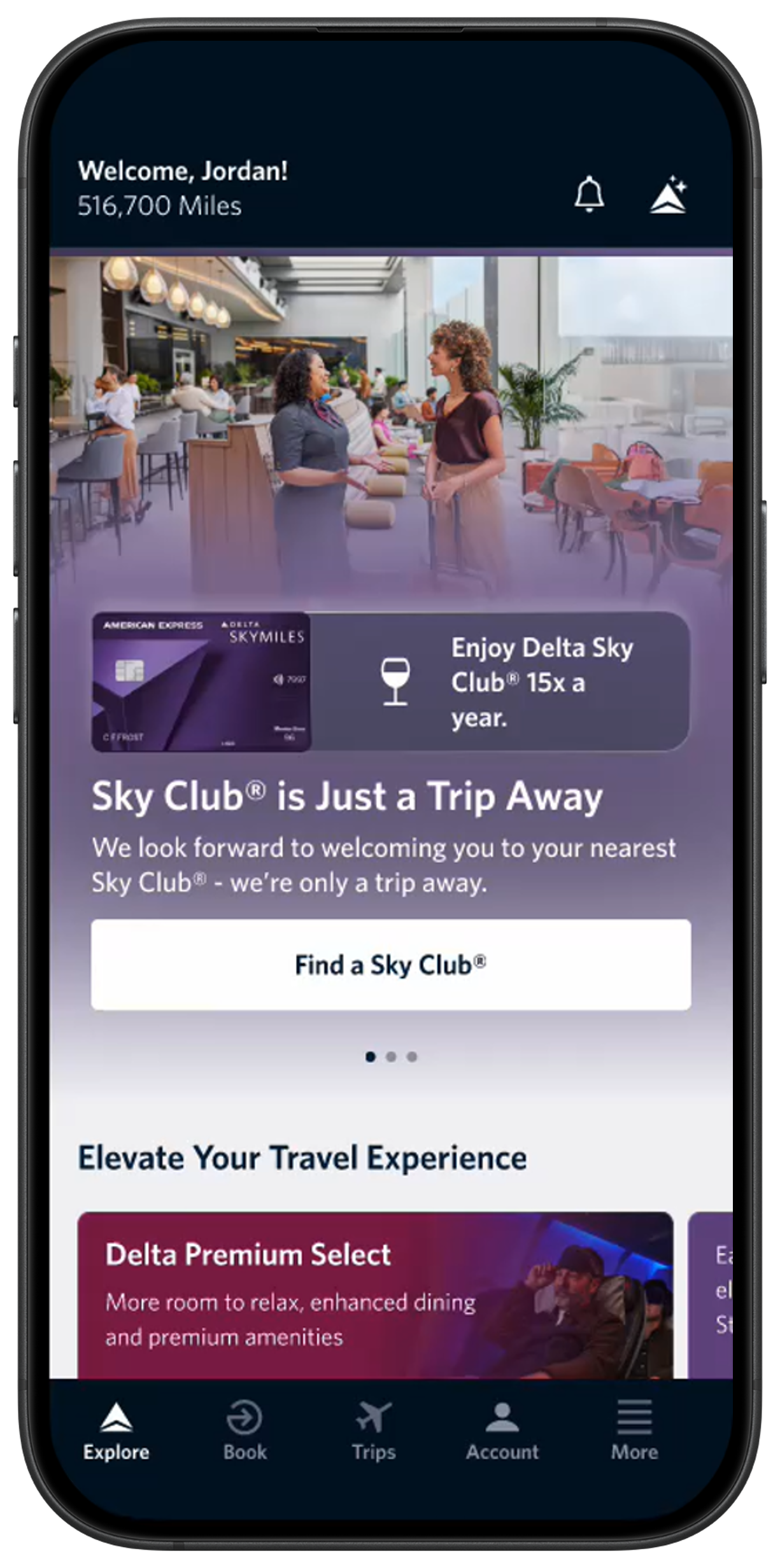
6. Plan your Delta Sky Club® visit
A visit to one of Delta’s award-winning lounges is a part of a smoother, more seamless travel day. Use the app to check eligibility requirements and strategically plan your visit with the app’s occupancy tracker.
With a quick glance, you can see how busy each lounge is — helping you plan your visit and choose the best location for a relaxing break.
Tap “Delta Sky Club” section in the app to see real-time occupancy levels for your Club of choice.
7. Stay connected in the air
- Free for SkyMiles Members. Free global Wi-Fi presented by T-Mobile is on more than 1,300 aircraft, over 95% of the fleet, across domestic and international routes.
- It's easy to connect. Once the boarding doors close, turn on Airplane Mode and select "DeltaWiFi.com" from the Wi-Fi networks. Then, log in with your SkyMiles credentials. If the login page doesn't open, type "DeltaWiFi.com" into your browser. Plus, you can connect on multiple devices to stay logged in across your phone, laptop or tablet.
8. Plan your in-flight watch party before you board
Once you're buckled in, the holiday rush is behind you, your trip can finally start to feel like a getaway. Make the most of that time in the air with Delta Sync. SkyMiles Members can log in to free global Wi-Fi presented by T-Mobile to find entertainment, news and live sports from partners including YouTube, Paramount+, Crunchyroll, The New York Times and The Wall Street Journal.
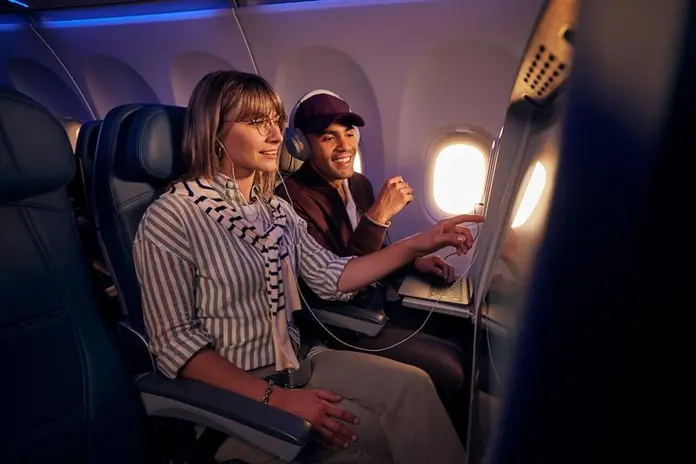
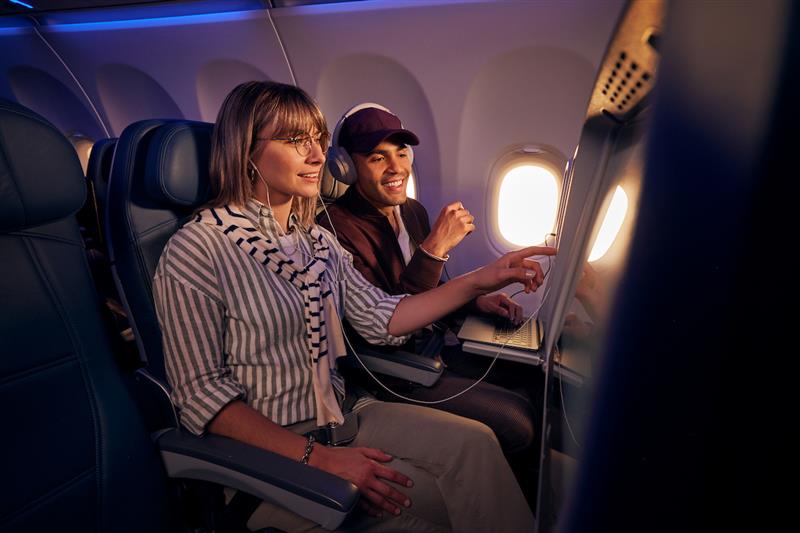
On aircraft with Delta Sync seatback screens, connect your SkyMiles account using the Delta app and the screen can offer personalized recommendations, resume select shows and save your favorites. Offers and content vary by flight and market. Explore the latest offerings before your trip here.
9. Start dreaming about your next getaway
Who says you need to finish your current vacation before you can book the next one? Use the Delta app to explore your options, compare fares across dates and find the trip that works for you, then book it right in the app.
10. Ask Delta Concierge
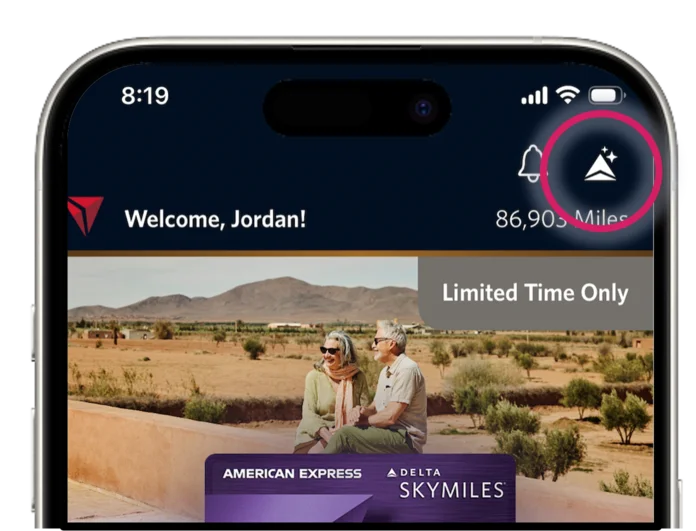
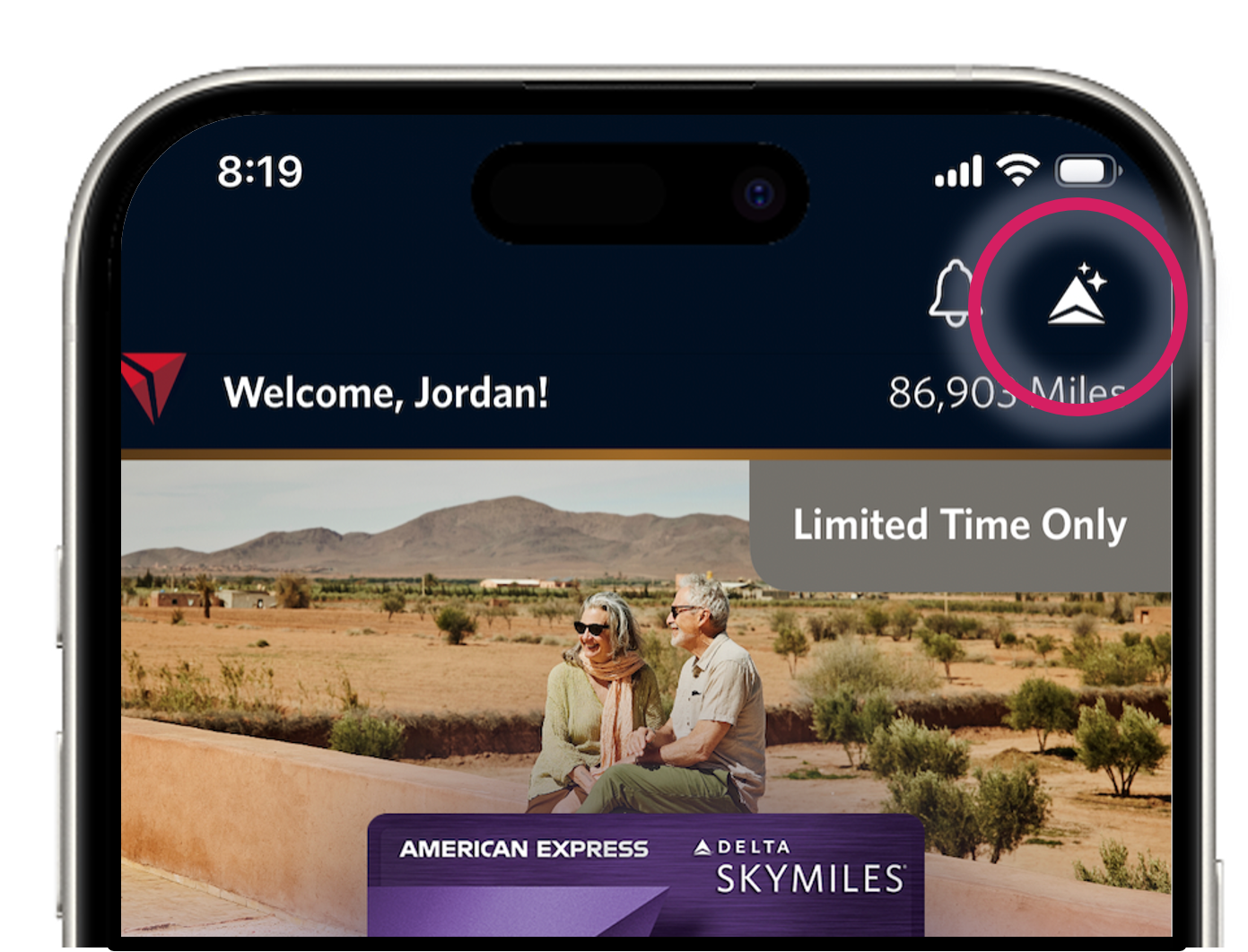
Delta Concierge is your digital assistant in the Delta app, helping you navigate your journey and quickly get the support you need. Ask Concierge to check your flight status, support when travel is disrupted, track your bags, add your Known Traveler Number to your reservation, or look up your SkyMiles details. If you are logged in, it recognizes your upcoming trip and account information, so you can get answers without searching through your reservations. Just tap the Concierge icon in the upper right of the app home screen.
Delta people are ready to get you where you’re going. The app helps you take it from there.
© 2026 Delta Air Lines, Inc.